addFC
This workbench should be viewed primarily as a set of tools that extend standard functionality, rather than as a standalone solution.
Take advantage of FreeCAD's ability to create custom toolbars: create a toolbar with frequently used commands and place it on the main workbench (for example, on PartDesign).
The main purpose of the workbench is to simplify working with large and «complex» assemblies, especially those containing sheet metal parts. By «complex», I mean parametric models (assemblies) with a large number of objects and nodes in the form of references and links (App::Link).
The operating logic is based on adding custom properties to objects, giving them specific semantic meanings. The key idea is the reuse of components.
In addition, the package also includes many useful tools for various purposes, which significantly facilitate the completion of routine tasks.
Workbench toolbar

Tools in order
- Open the last working file
- Isometric view and fit all objects
- Execute the model control file
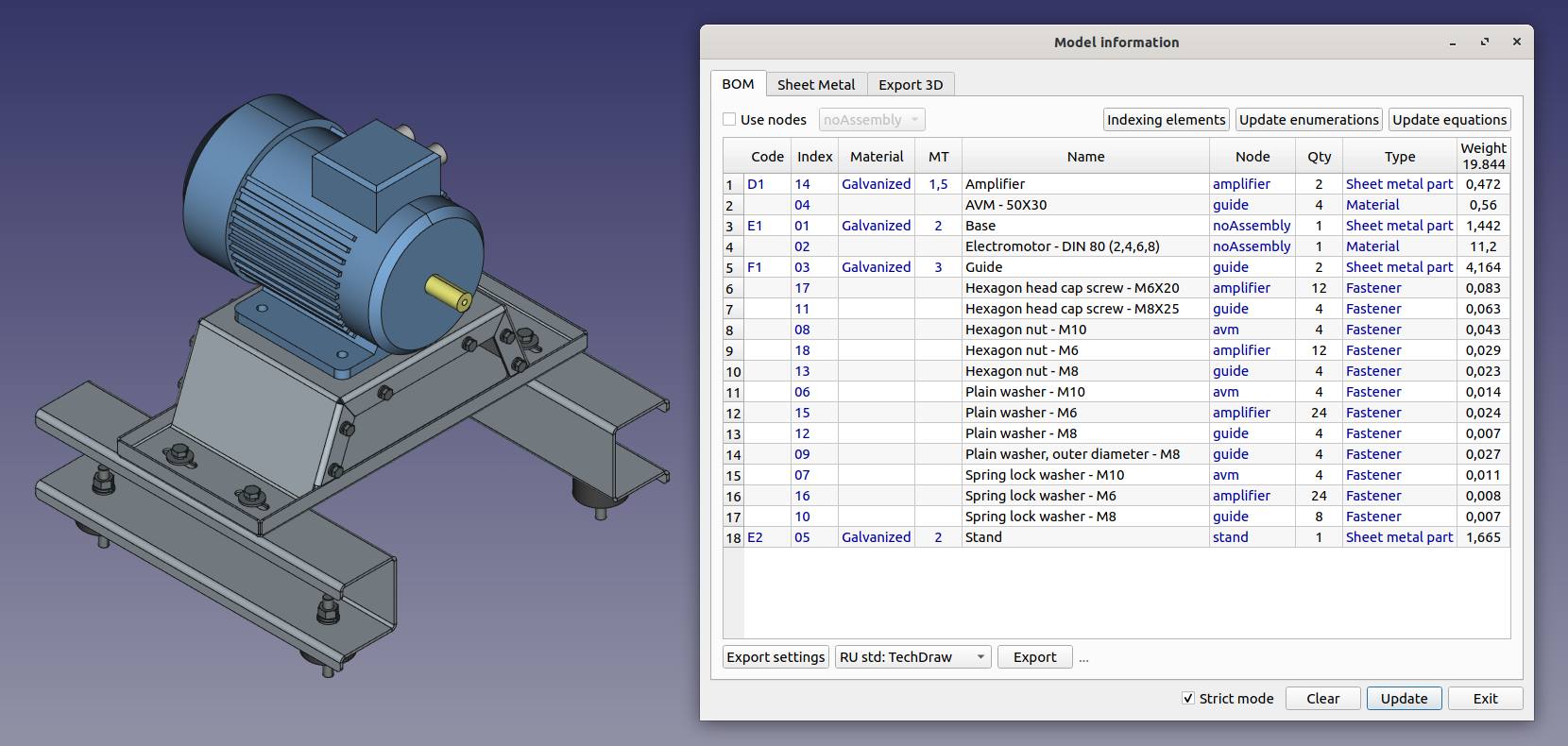
- Bill of Materials (BOM) and related workflows
- Add properties to an object
- Create a drawing based on a template
- Create a link(s) with specified parameters
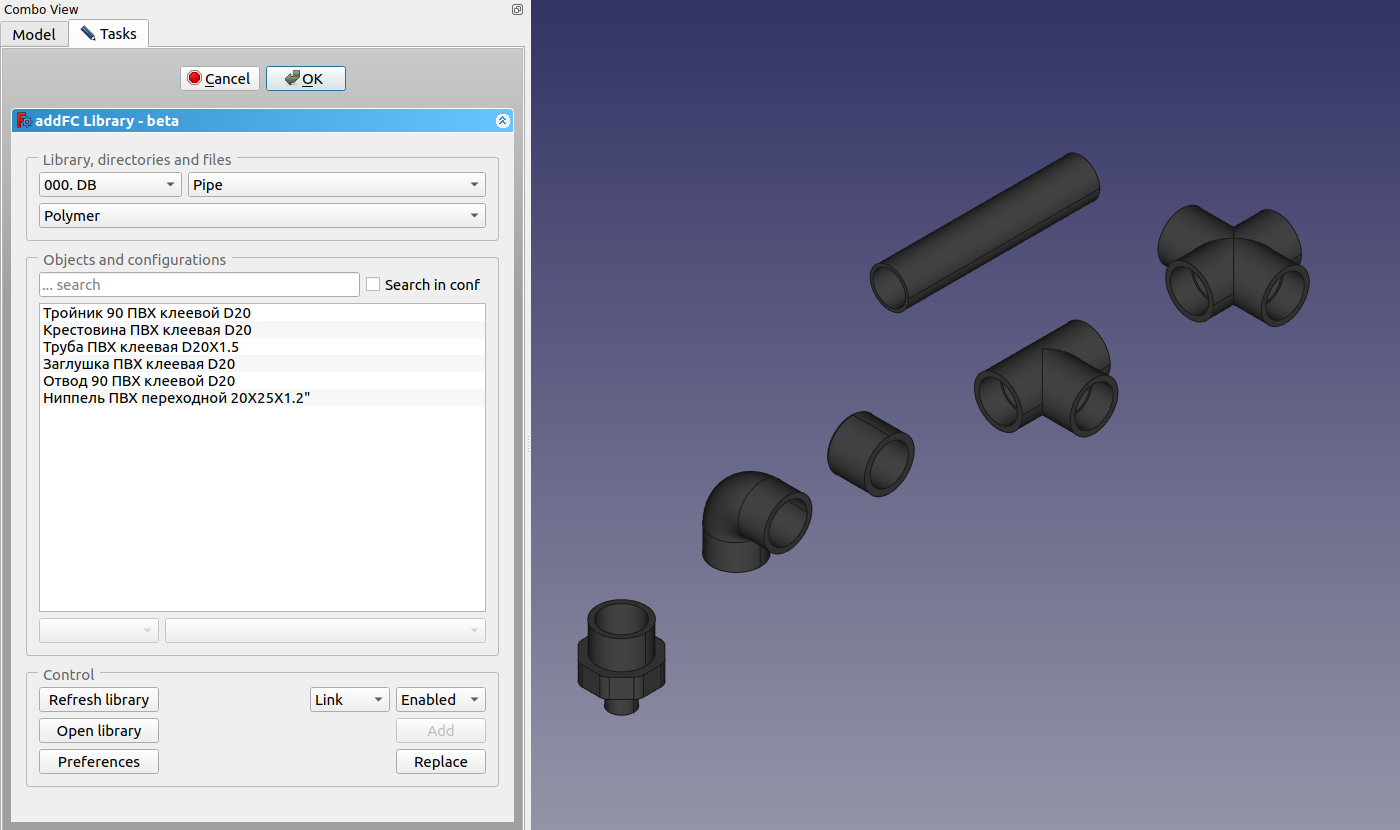
- Element and node library
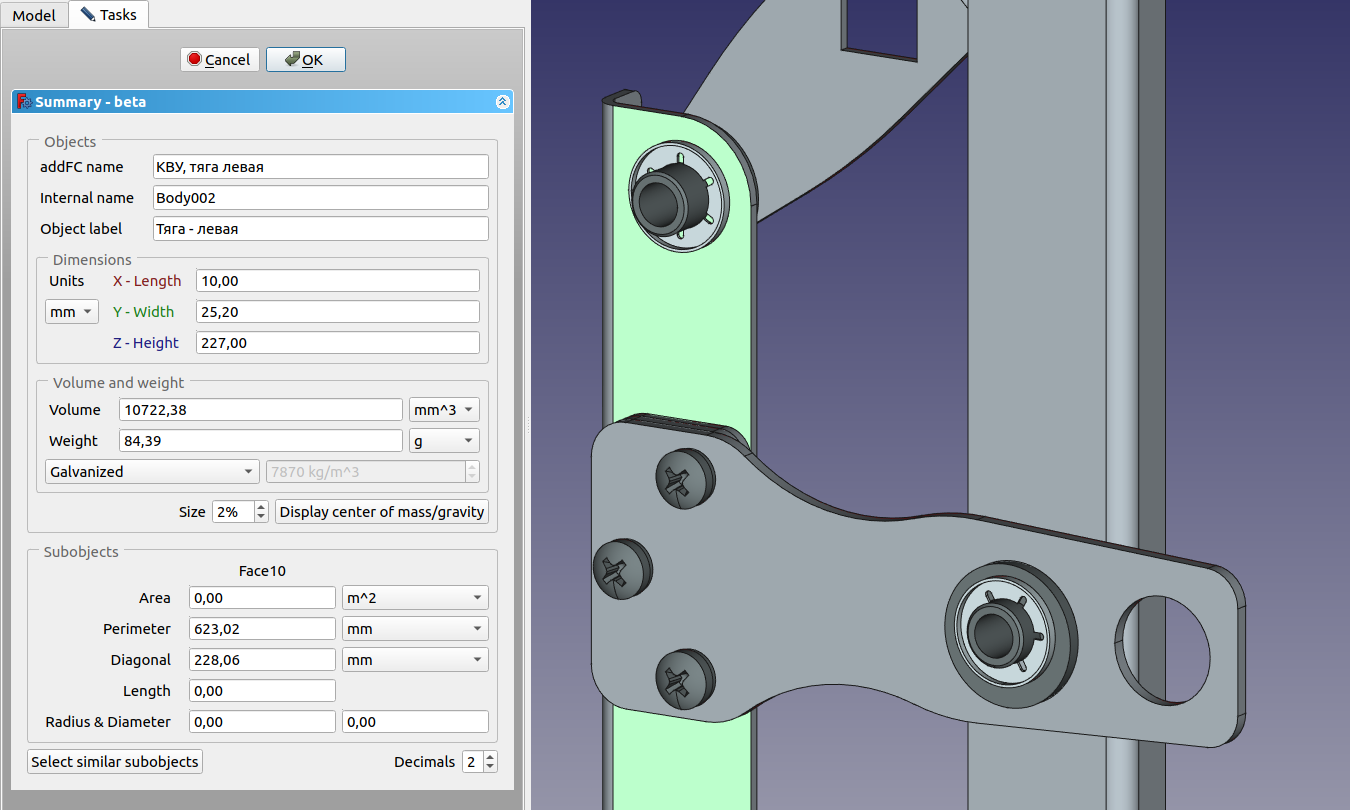
- Data for the selected elements: mass, dimensions and other parameters.
- Exploded view
- Create a pipe using points
- Isolate selected objects
- Export models for viewing
- Capturing the view area with saving to a video file
- Activating the additional interface.
- Documentation, help, and examples
Main features
Bill of materials - BOM
Data for the selected elements
Library of elements and nodes
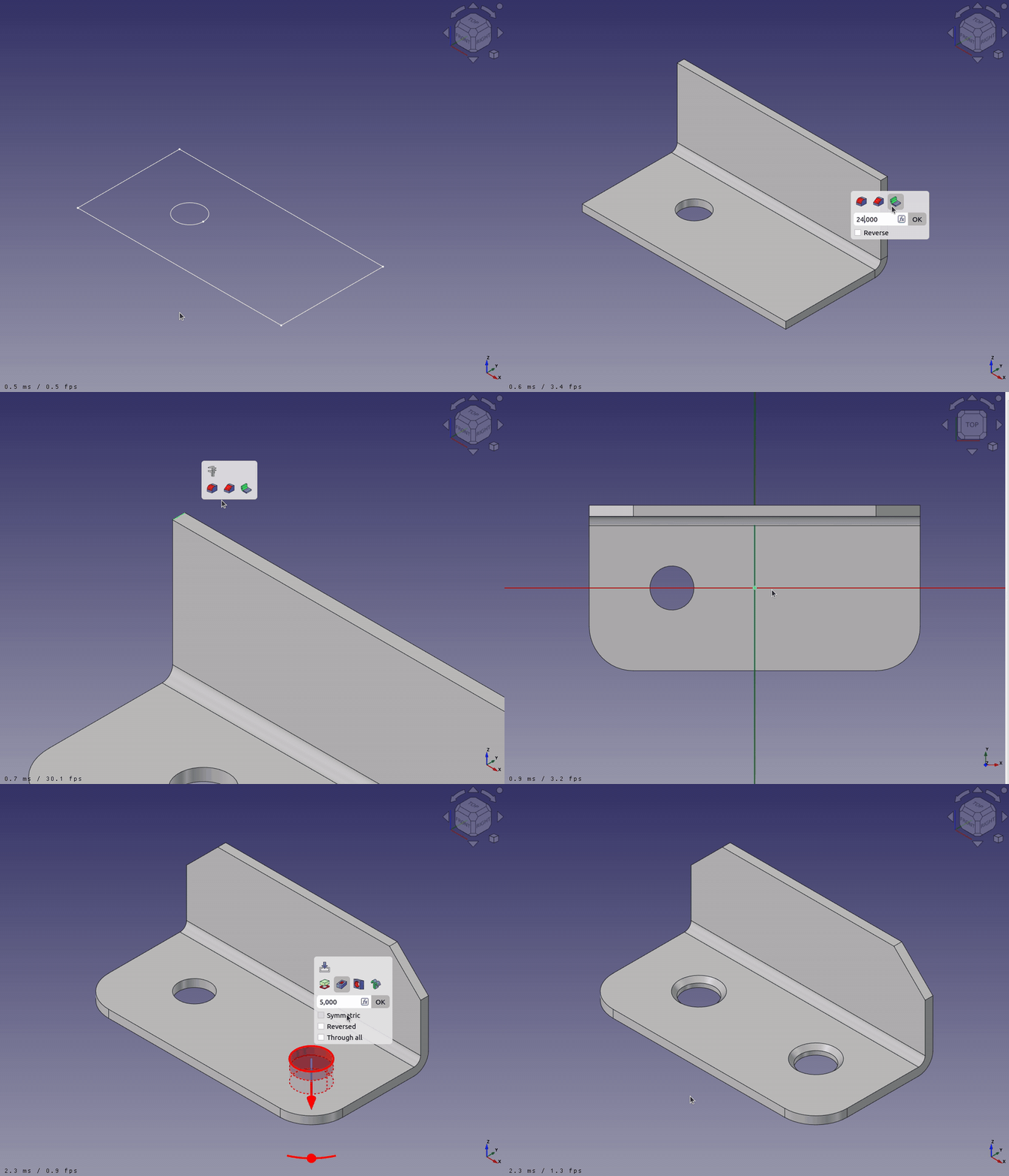
Additional interface, smart pop‑up panel - PartDesign
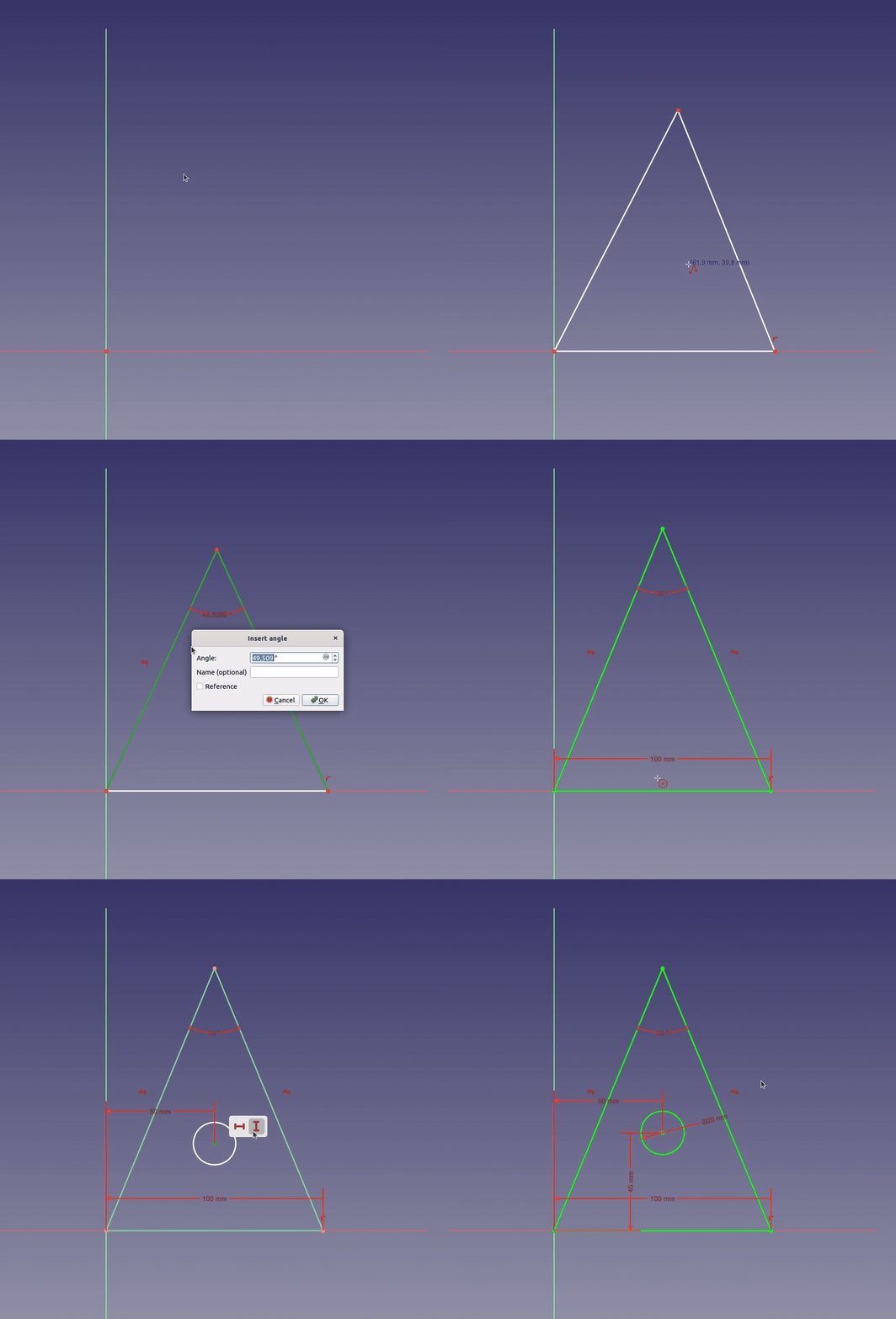
Additional interface, smart pop‑up panel - Sketcher
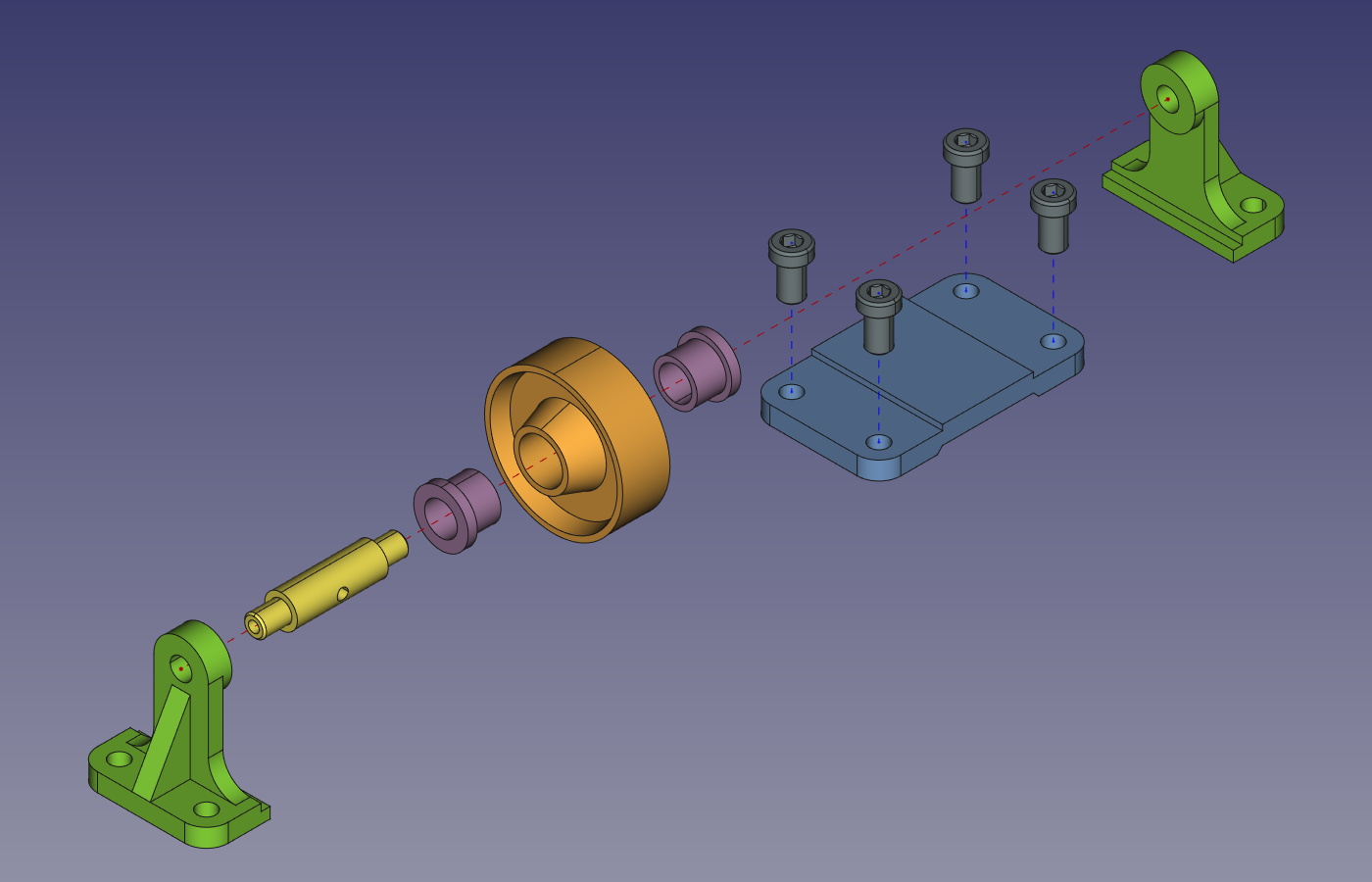
Creating an exploded view
Animating an exploded view
Examples of working with the exploded view function
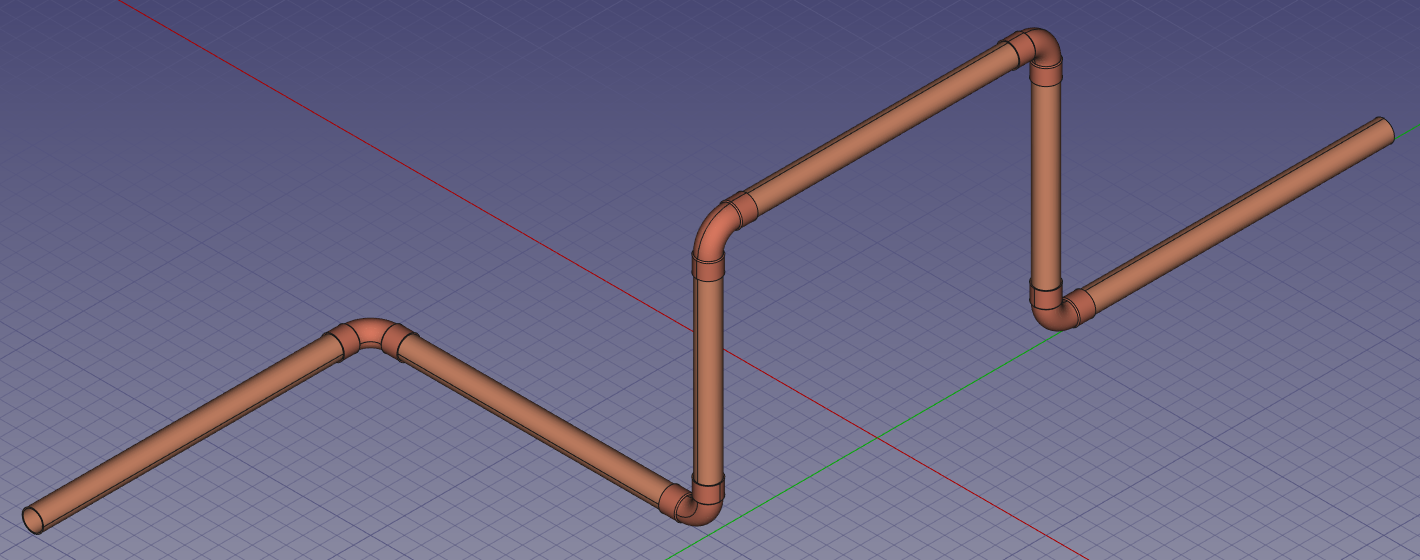
Creating a pipeline by coordinates